DirectX 11, C++
The aim of this project was to create a graphic application demonstrating the ability to make use of the DirectX11 Graphical Pipeline in addition to five key graphical techniques. Developed using C++ in Visual Studio 2017, this application further makes use of the provided DirectX11 framework and ImGUI API.

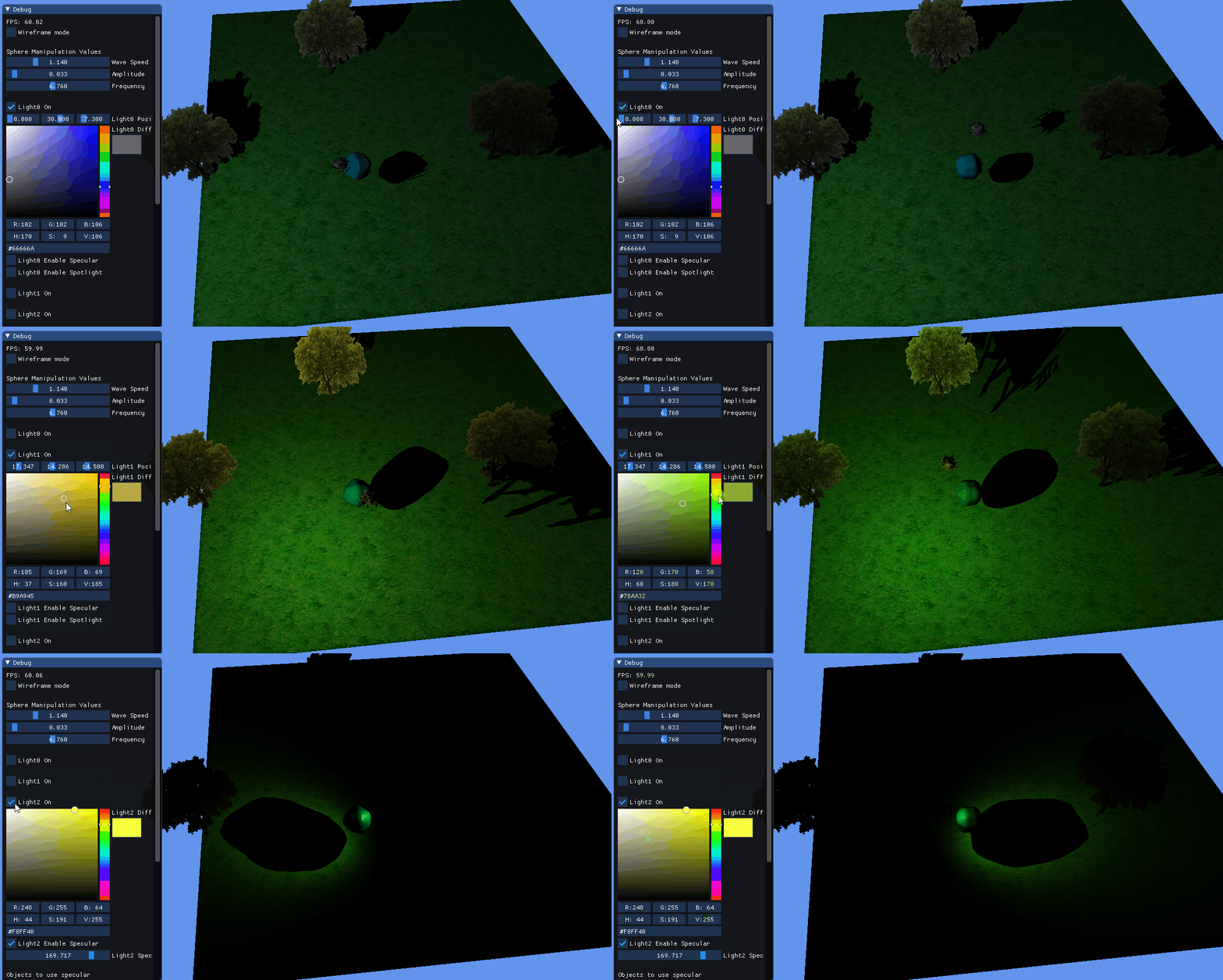
Lighting
The scene consists of three lights. These lights have the possibility of producing multiple different types of lighting depending on the user’s choice. Through controls in the ImGui window the user is given the ability to change attributes of all three lights. This includes the ability to: toggle them on/off, change the position, alter the colour, change the type of light, change direction, alter specular and attenuation component. If a light is not active then its controls in the ImGui window are not displayed.
Vertex Manipulation
Vertex Manipulation has been demonstrated through the morphing of sphere mesh that has been positioned in the centre of the scene. A combination of waves are passed through the sphere mesh with an amplitude, frequency and speed which the user can define in the ImGui window


Post Processing
Two post processing techniques have been implemented in this application which are Glow and Edge Detection.
Sobel Edge Detection - in the pixel shader the 8 surrounding pixels are sampled, the Sobel Convolution Kernels are then created from this. The output colour is then calculated by square rooting both the square of these values together. This texture is then outputted to the screen.
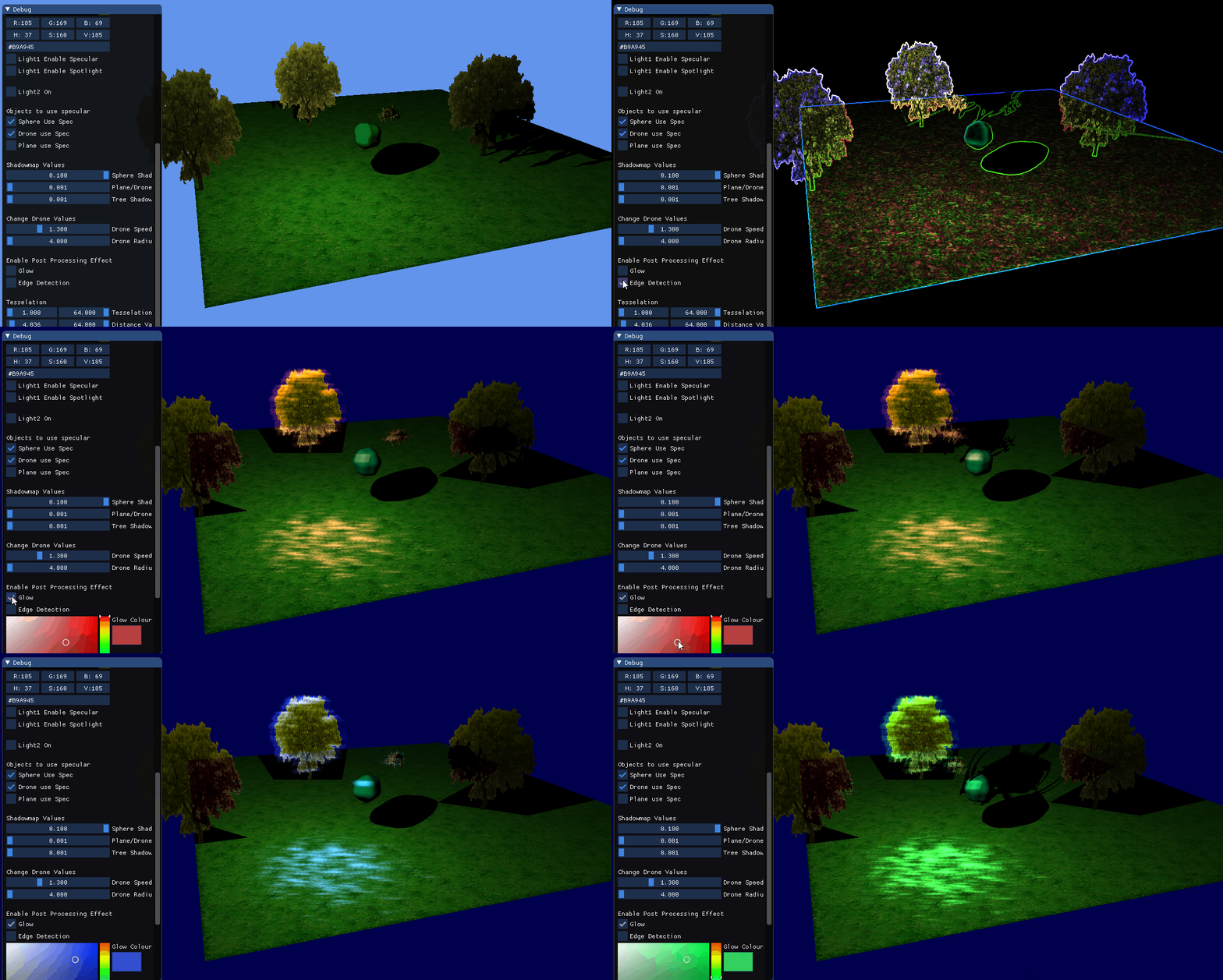

Glow - In this pixel shader the calculation works out the brightness of the value by transforming the pixel to grayscale. This value of this is then checked to see if it exceeds a threshold limit. If it doesn’t then the outputted colour on the glow map is set to black, otherwise it's set to the glow colour that can be determined by the user. This image is then downscaled and a Gaussian Blur is applied. The final image outputted is then created by combining the glow map with the current scene texture.
Tessellation
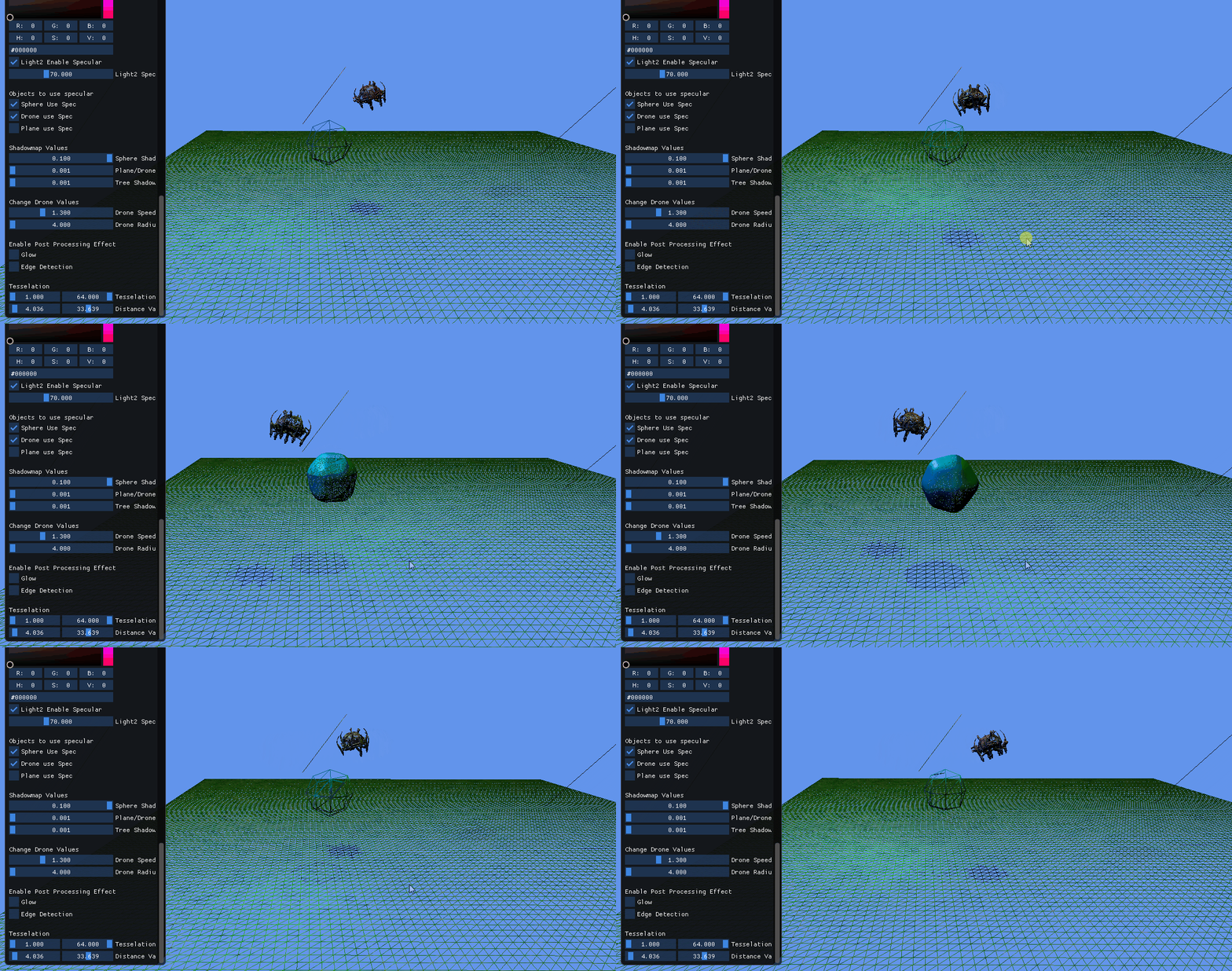
Tessellation is another skill that can be observed on the sphere mesh placed within the scene. The tessellation is based on the distance of the vertex from the camera's position. Through controls in the ImGui window, the user is provided with a slider that can be used to change the distance at which tessellation starts and the strength of the tessellation.
Geometry Shader
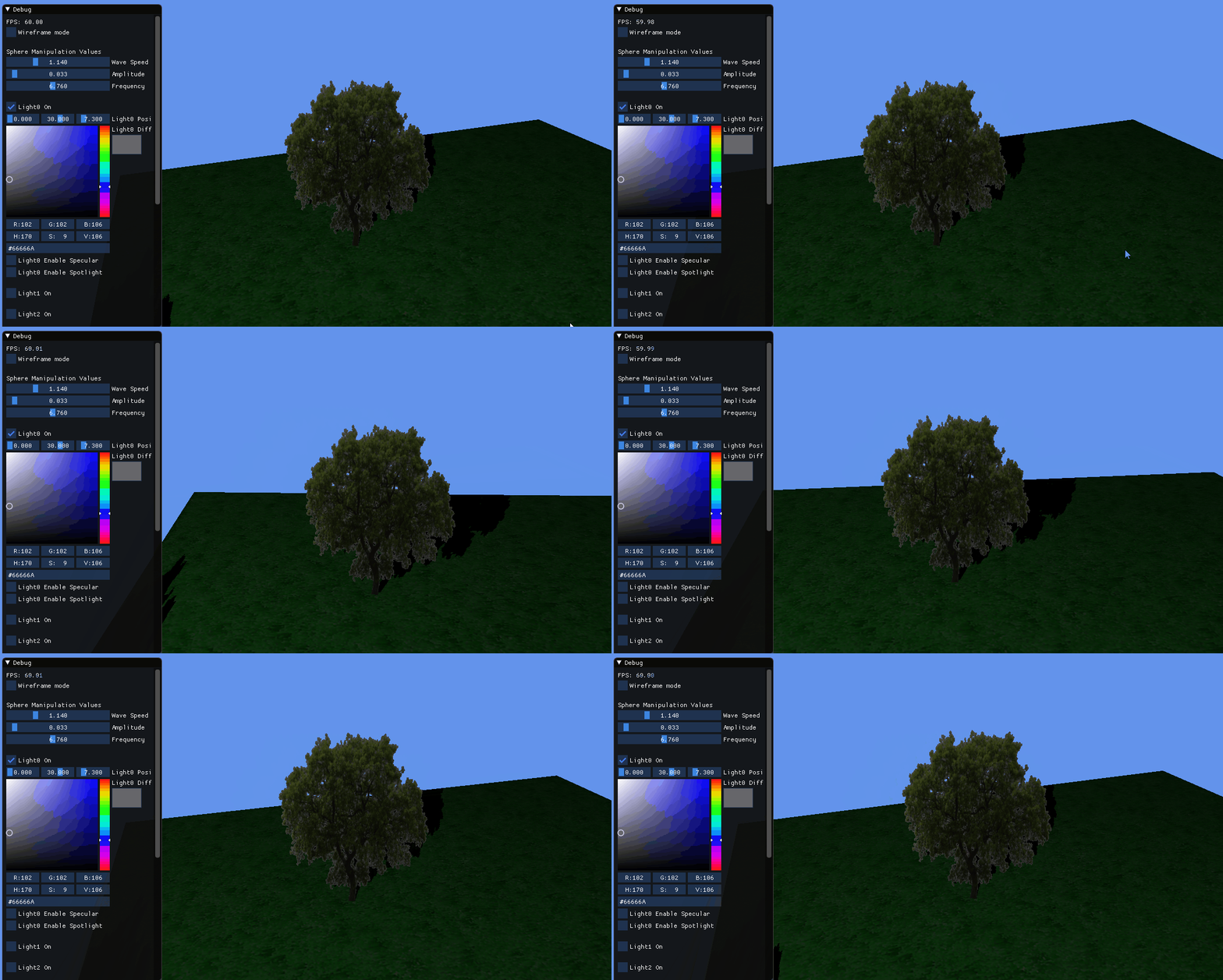
The three trees within the scene are created through the use of the geometry shader. First, the mesh that creates the tress begins with 3 points. Second, through utilising the geometry shader, these points are then turned into quads and textured to look like a tree. Finally, these quads are then billboarded towards the user to prevent the user going around the tree and viewing the back face which is not textured.