Unity, C#
Available at:

As part of my studies, I spent several months as part of a group project that brings together students from different courses to create a game for a client in the industry. Our brief was from Spilt Milk Studio's to create a relaxing, peaceful game with the aim of fishing and repairing your damaged plane. I was one of two programmers on the team and was responsible for multiple aspects of development.
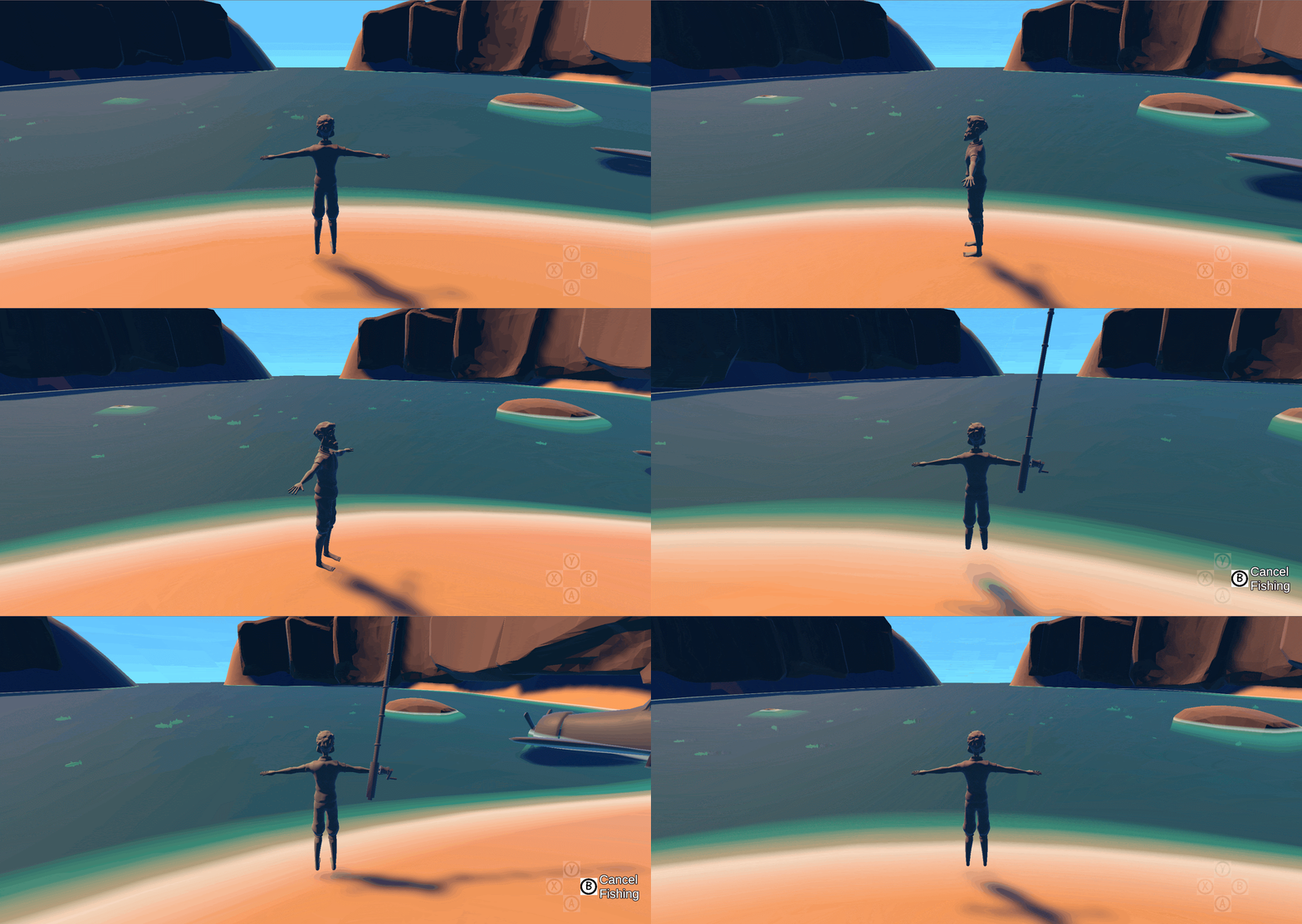
Third Person Movement
I was responsible for the creation of the third person movement system within the game. With this being one of the key mechanics, the controller needed to have the correct feeling. The development was an iterative process. To start two prototypes were created, one using Unit's RigidBody Component and another using the Character Controller component. These were then put forward to the team, with the Character Controller method being taken forward and developed upon. The system was presented to the team at our weekly meetings, allowing the designers to test and suggest improvements to the mechanic. With the integration of a Third Person camera system, the controller was complete.
Camera
Multiple camera components were developed, each of which could be activated or deactivated depending on the player's state.
When the player is Exploring or Fishing, the camera would act as a Third Person camera. While fishing there would be an additional limitation on the camera, in which the rotation, in the horizontal axis, would be clamped. This limitation was to ensure key objects such as the player, and their fishing line would be in view at all time.
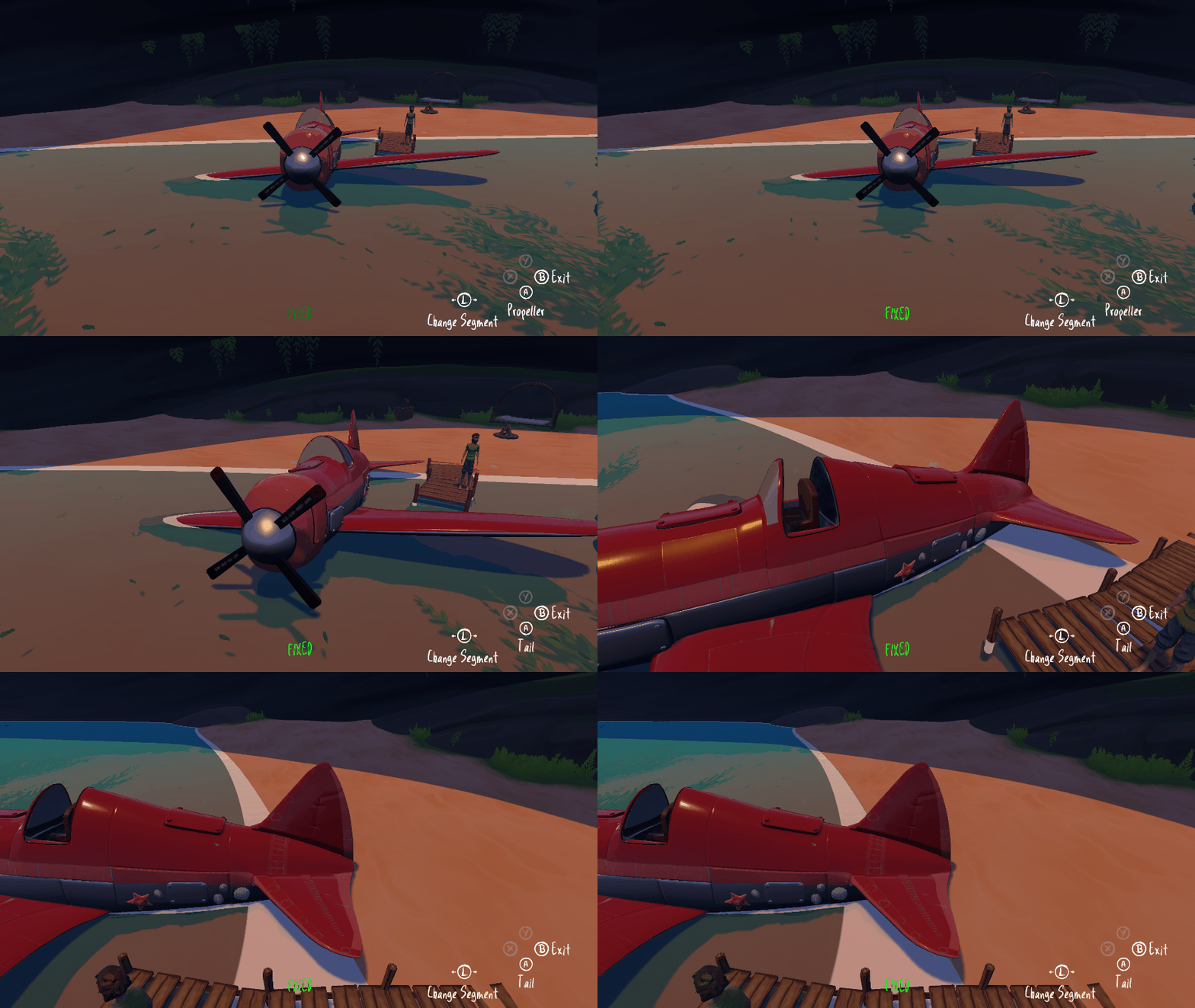
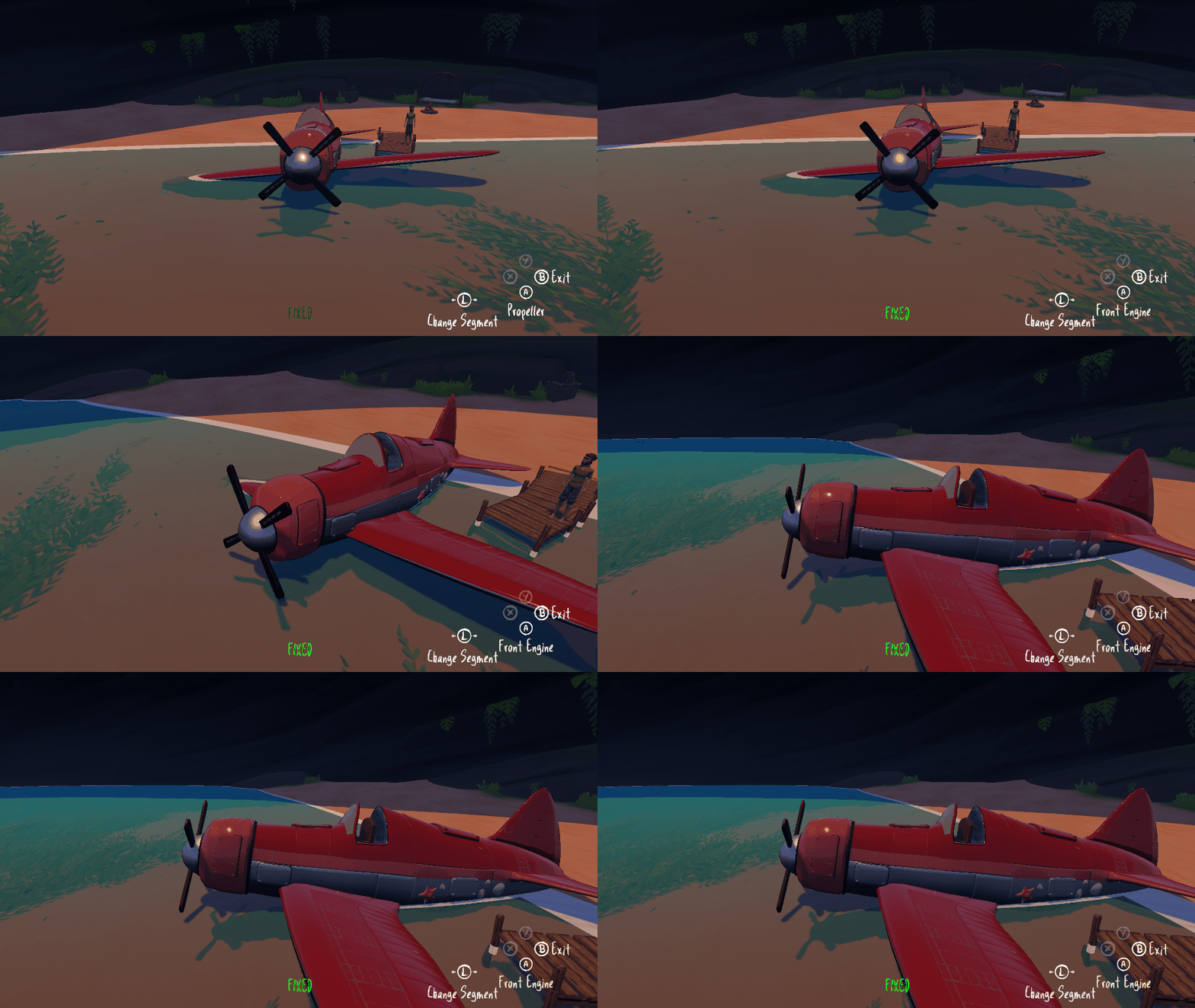
In the repair mechanic, a different camera component is utilised. When this component is activated, the camera would be removed from rotating around the player. Instead, it would transition between key points around the plane. The camera's look at would also transition, allowing the players to view different segments of the plane.
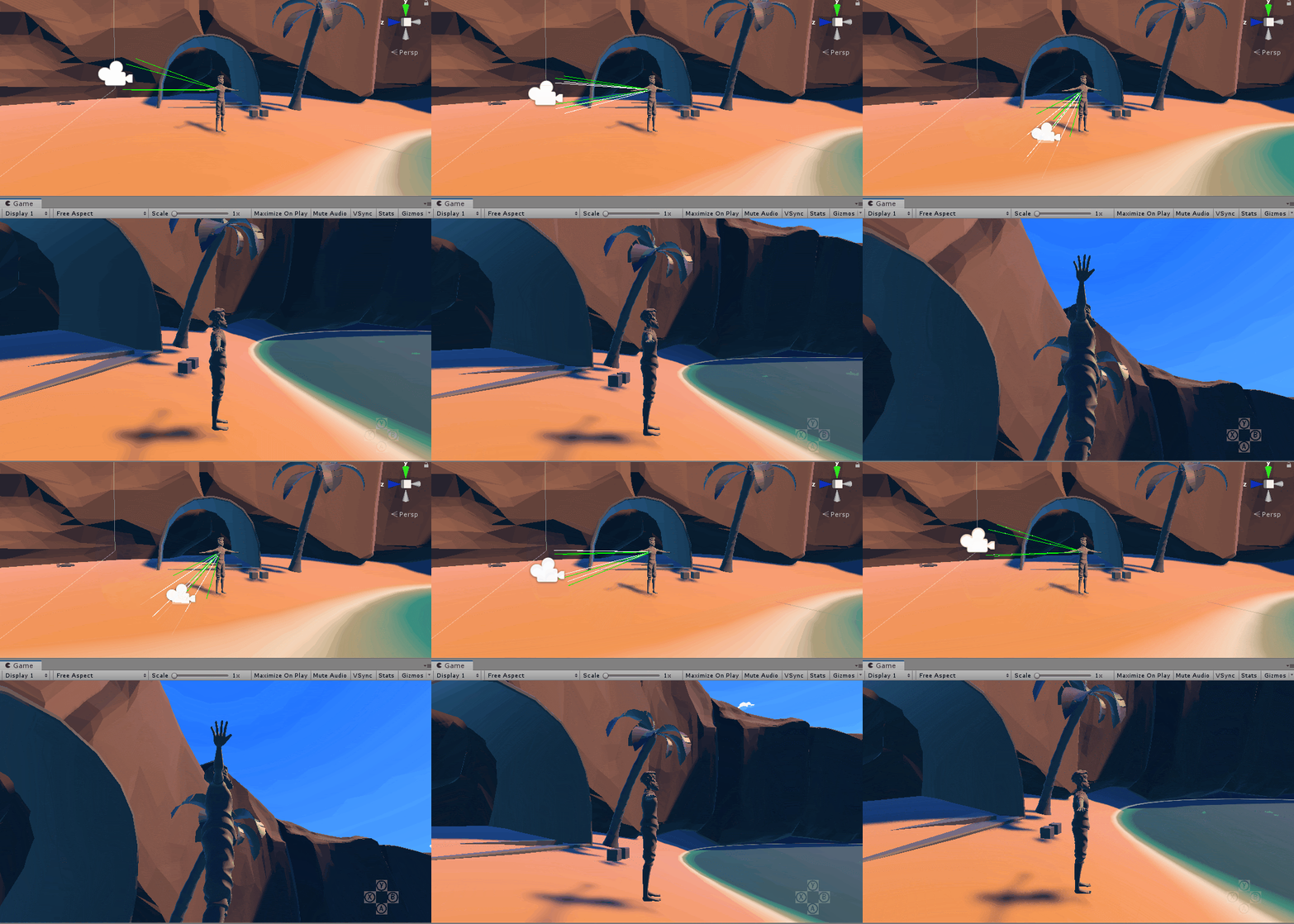
I was also responsible for implementing features such as camera shake for when the plane flies by and the camera Collision and Occlusion component.
Plane Repair
The plane was designed to be split into multiple segments. Each of which the player would need to repair throughout the game. For the prototype, only one of these sections needed to be repaired.
Each segment was designed to hold a small mini-game, that when completed would signify the plane segment was repaired. With only one segment needing repairing, a switch mini-game was designed. The purpose of the mini-game was to get all lights to turn green, through flicking multiple switches.
When the player cycles through each segment it will be displayed if the segments have been fixed, needs to be fixed or if the players still require parts in their inventory before they can attempt to fix the plane.




Supply Drop
In order to fix the plane the player recieves tools from a supply drop. For this Unit's animation system was used to move a plane over the environment and instantiate Supply Crates at certain intervals, which would then drop into the water for the player to fish.
Journal
The journal was created to allow the player to view information about their game. It also allowed the player to change the game settings.
The inventory page display any items that the player has received from the supply drop. Inventory items would range from generic items such as food or small trinkets, to require items that were needed to advance the game such as a screwdriver, wrench and a switch.
The stats page would display information about the fish they have caught, and how many in-game days have passed.

